This is how to prevent or hopefully repair your R2-D2’s clicking base when moving forward and backward.
The cause appears to be due to only half of the of the first two gears are in contact causing a weak point where the teeth break/strip.
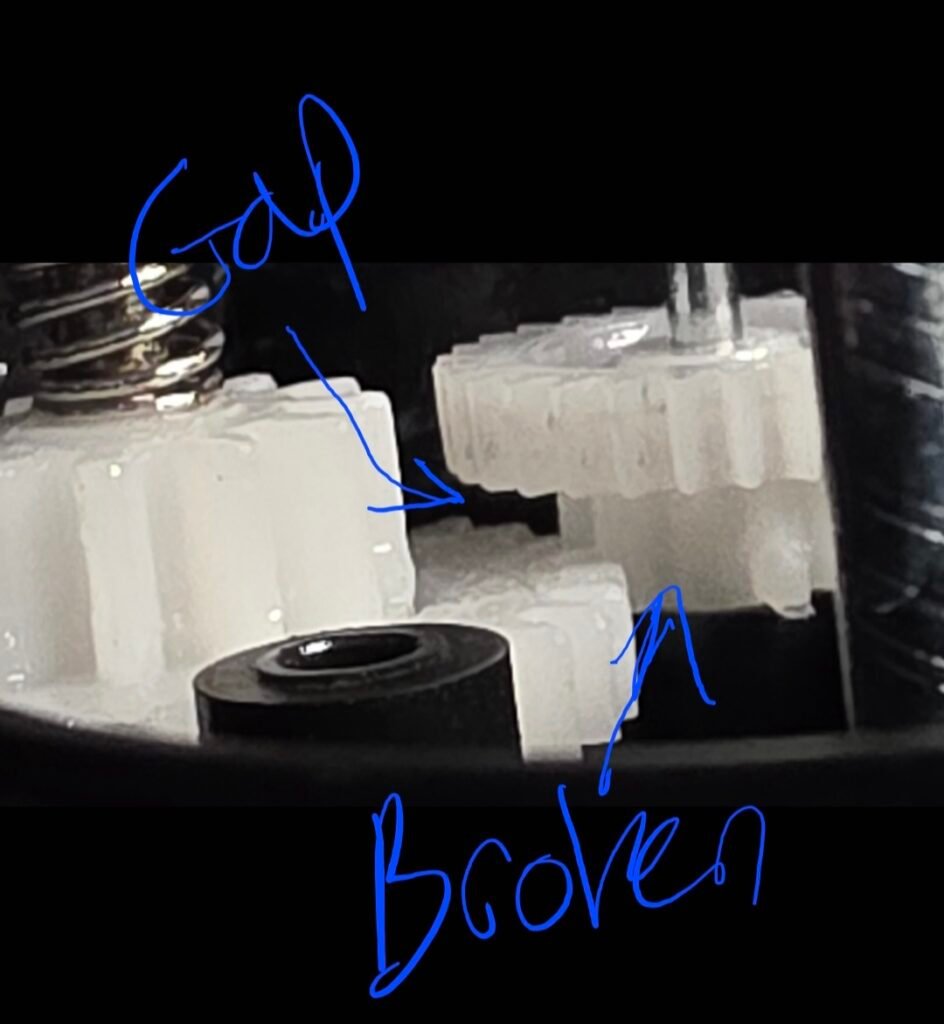
If your base is not clicking yet, you may still proceed and help prevent it from breaking. If its already clicking, follow along and hopefully you still have some gear left to fix it.
First, remove the four screws holding on the smaller round base and two bottom screws for the gearbox.
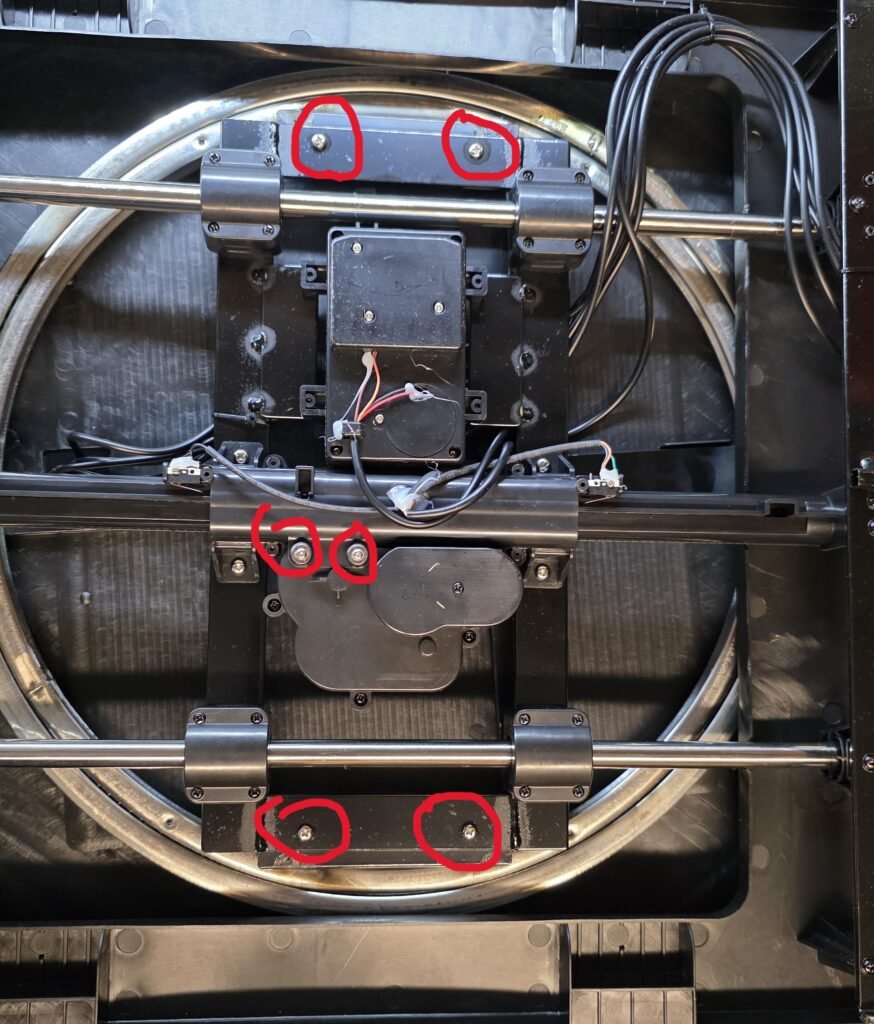
Next, flip over the base and remove the three screws holding the bottom of the gearbox.
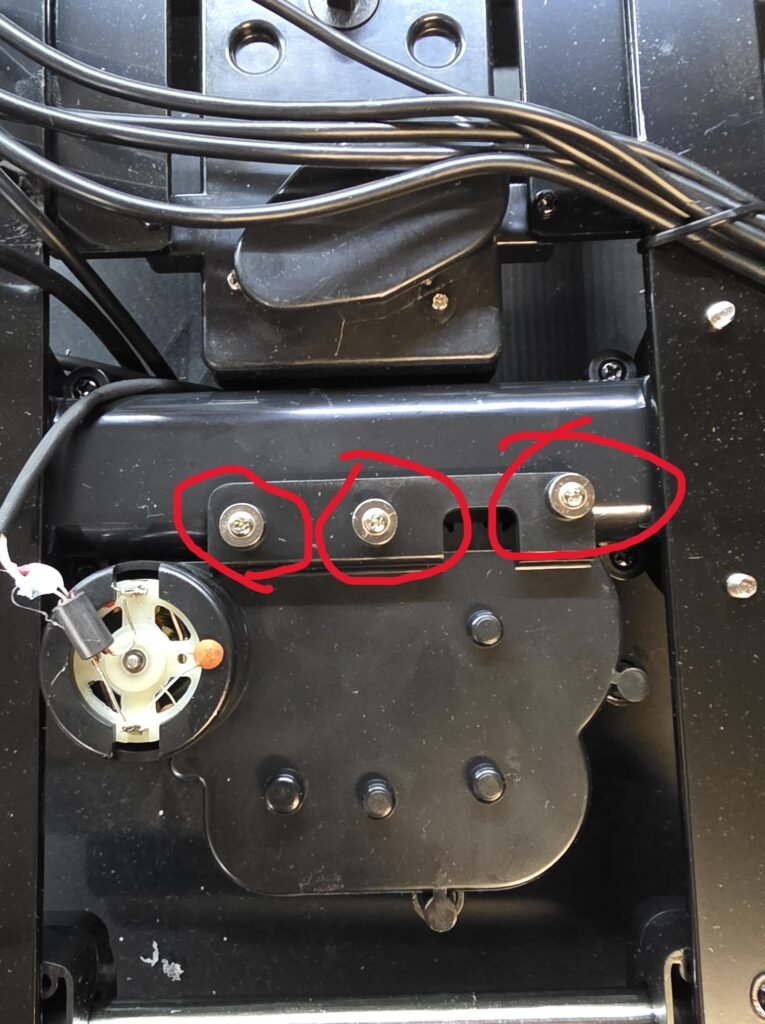
Lift the bracket for the gearbox to pop it off the headers so that it can be lifted up and removed. Use caution when manipulating the gearbox that you do not break the wires off the motor.
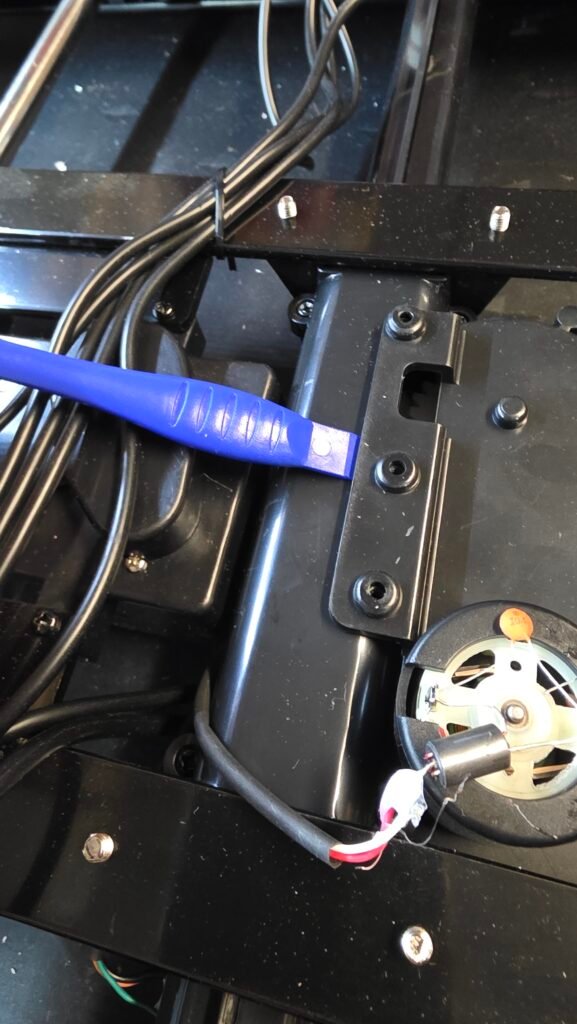
Remove the screw holding the belt cover and remove belt.
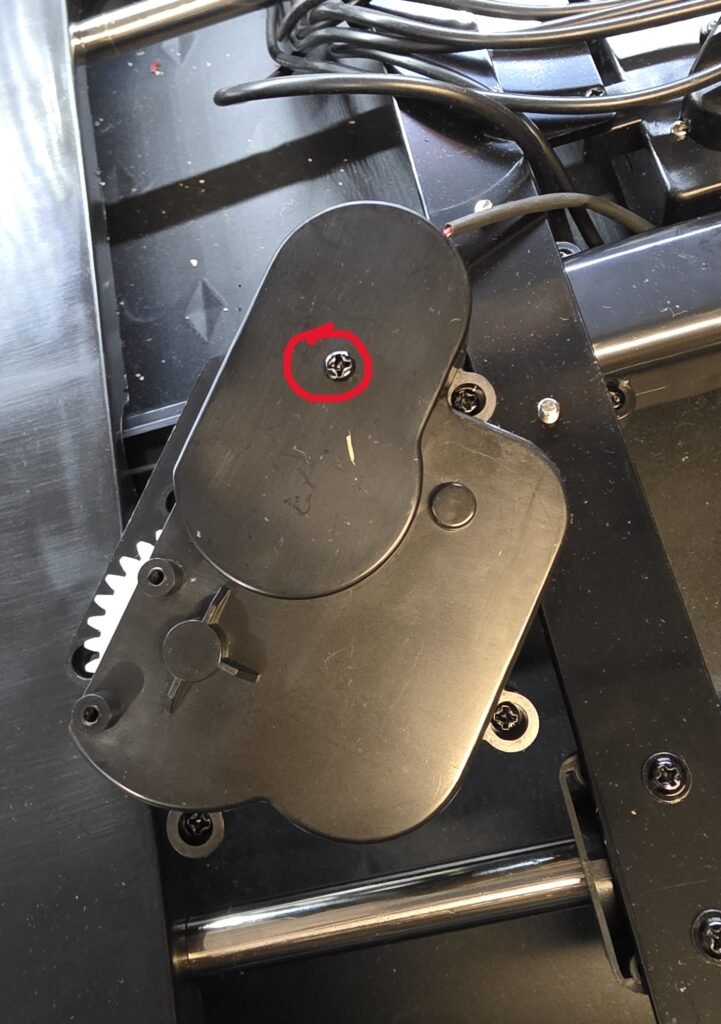
Remove the four screws holding the gearbox together.
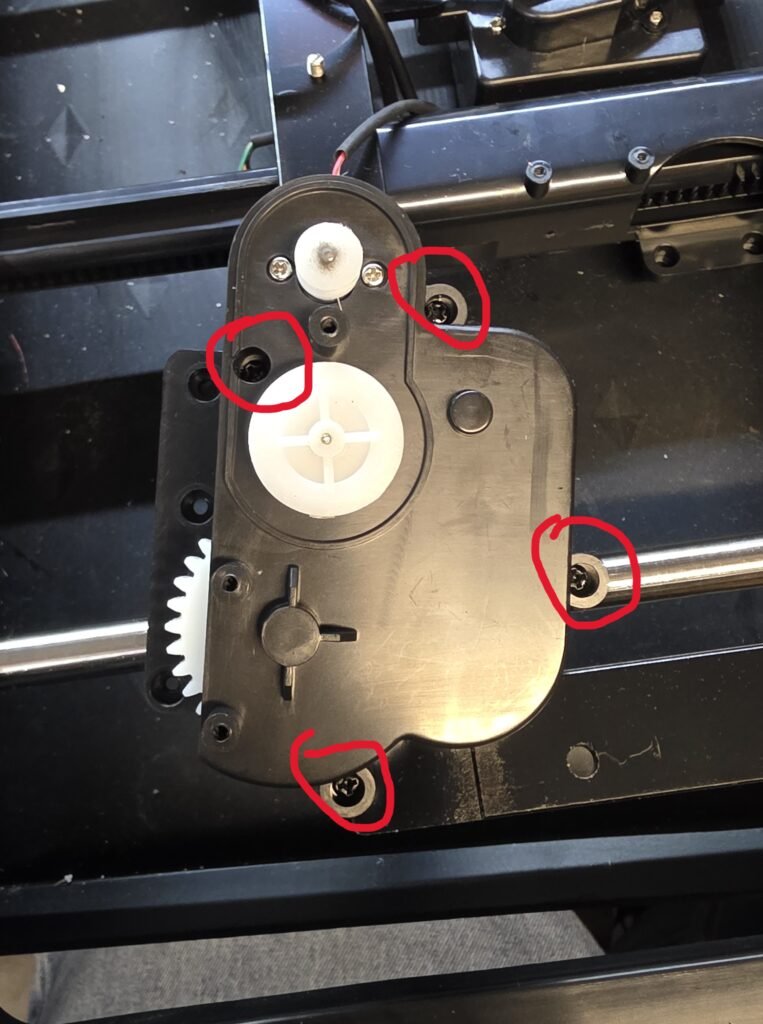
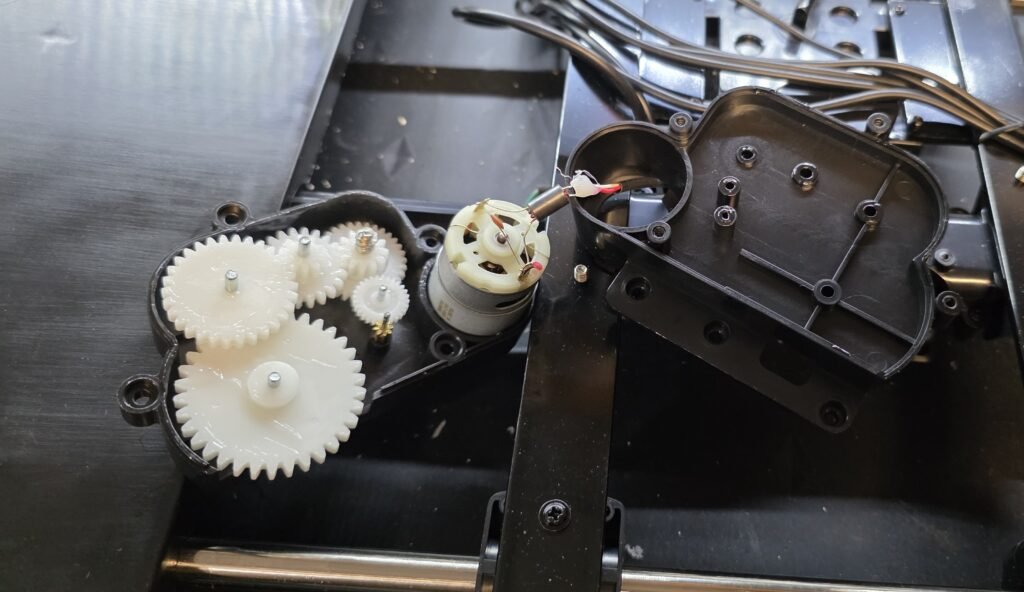
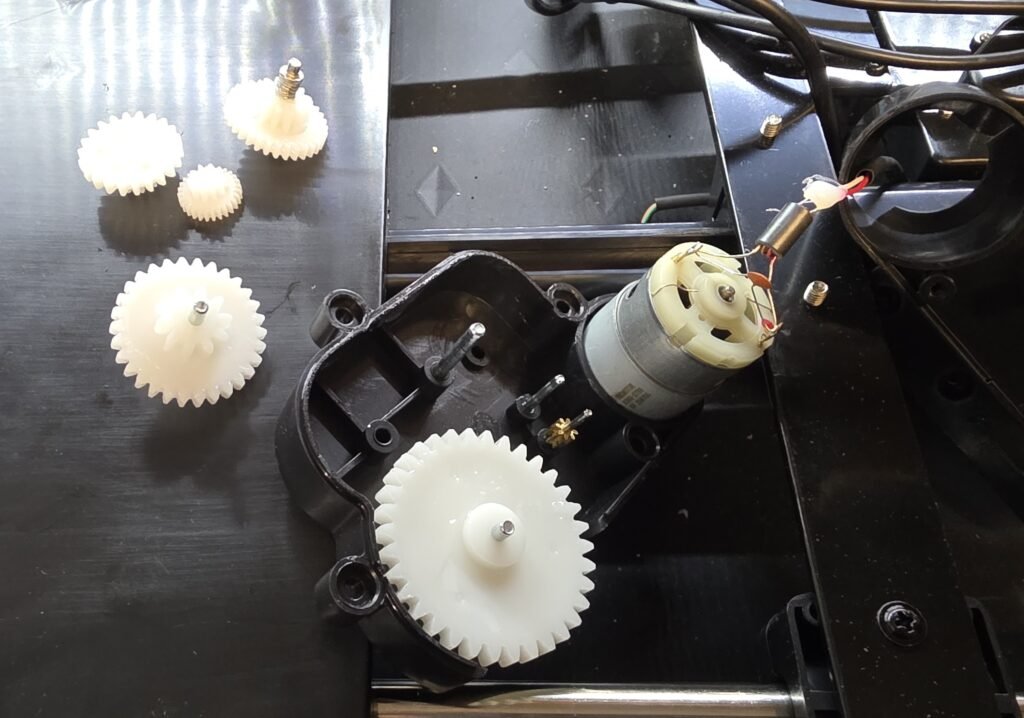
Remove all of the white gears and set aside in a clean area. Some gears will be snug, rotate them as you lift to make it easier to remove. If your base is already clicking, look for and clean up any broken gear teeth. Hopefully they are not damaged too much to continue. I have not yet found replacement gears.
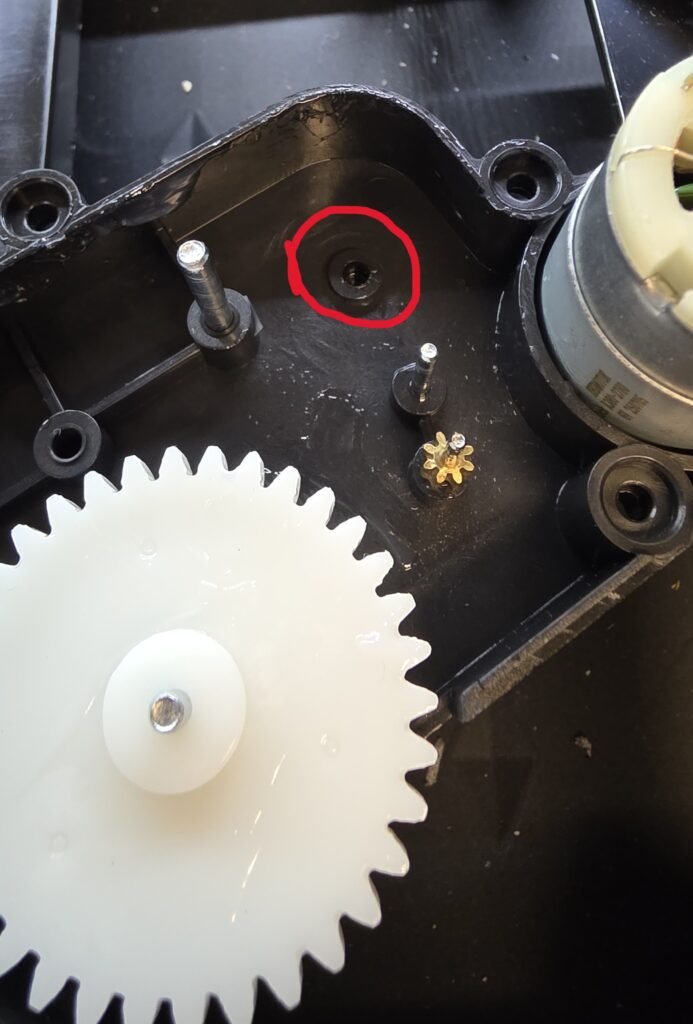
This is where we will stack the washers, I used two M4 and one M3 washer.
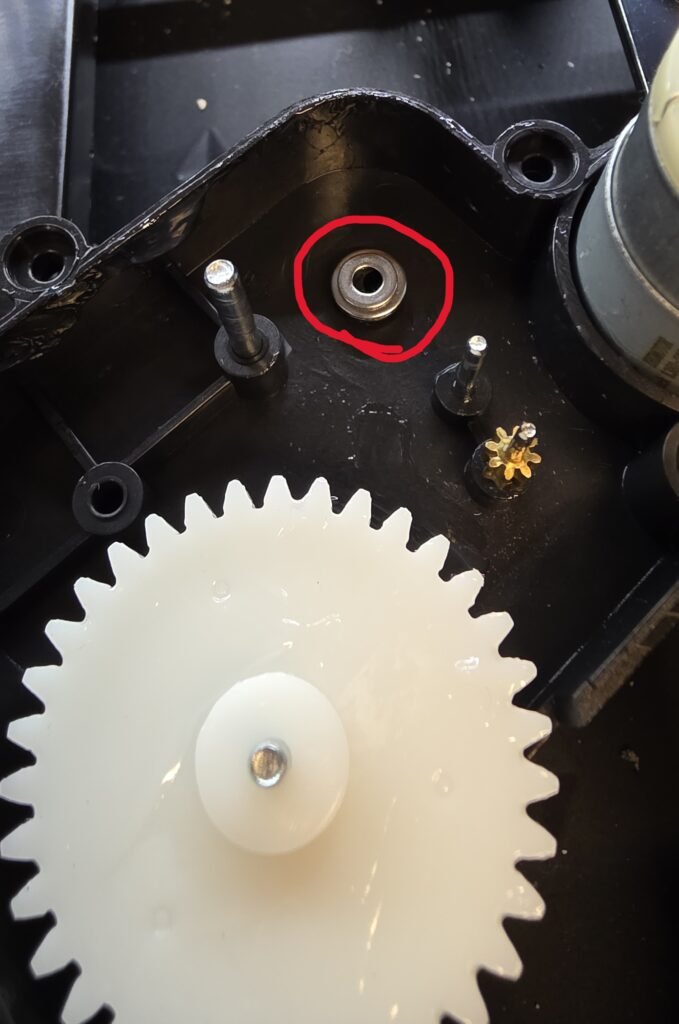
The three washers stacked…
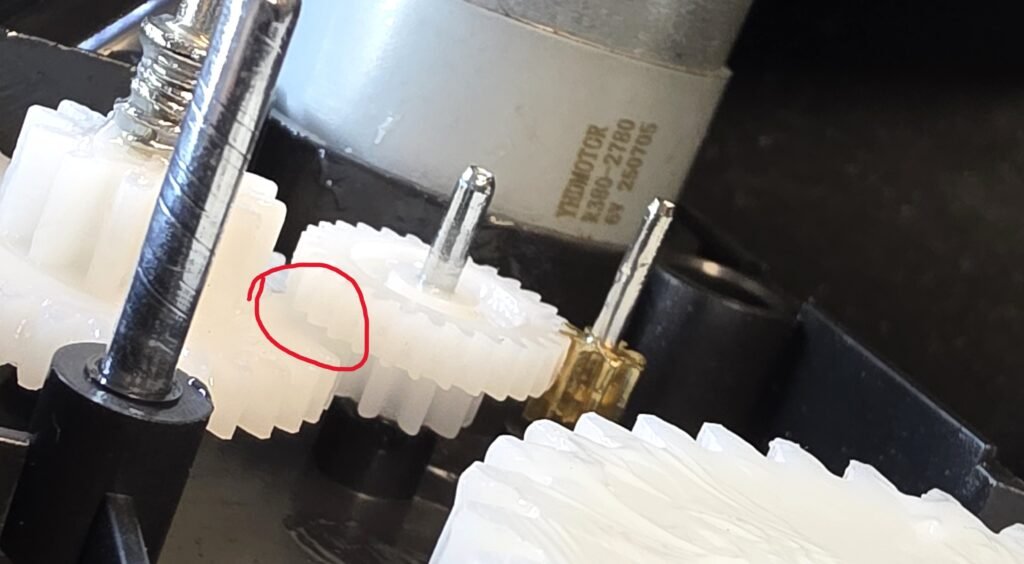
Reinstall the gears and inspect the clearance between these two gears, you want these as close together as possible to ensure the entire length of the teeth are in contact.
Apply a liberal amount of grease to the internal gears, you dont need to add any to the large gear as this may get on your floor.
I used Super Lube PTFE grease
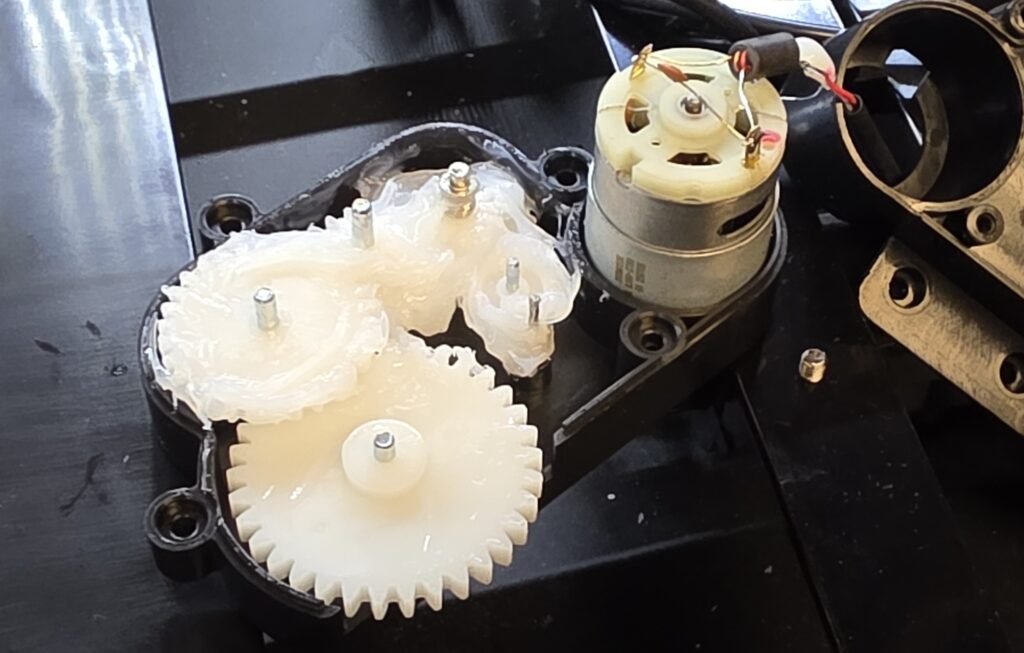
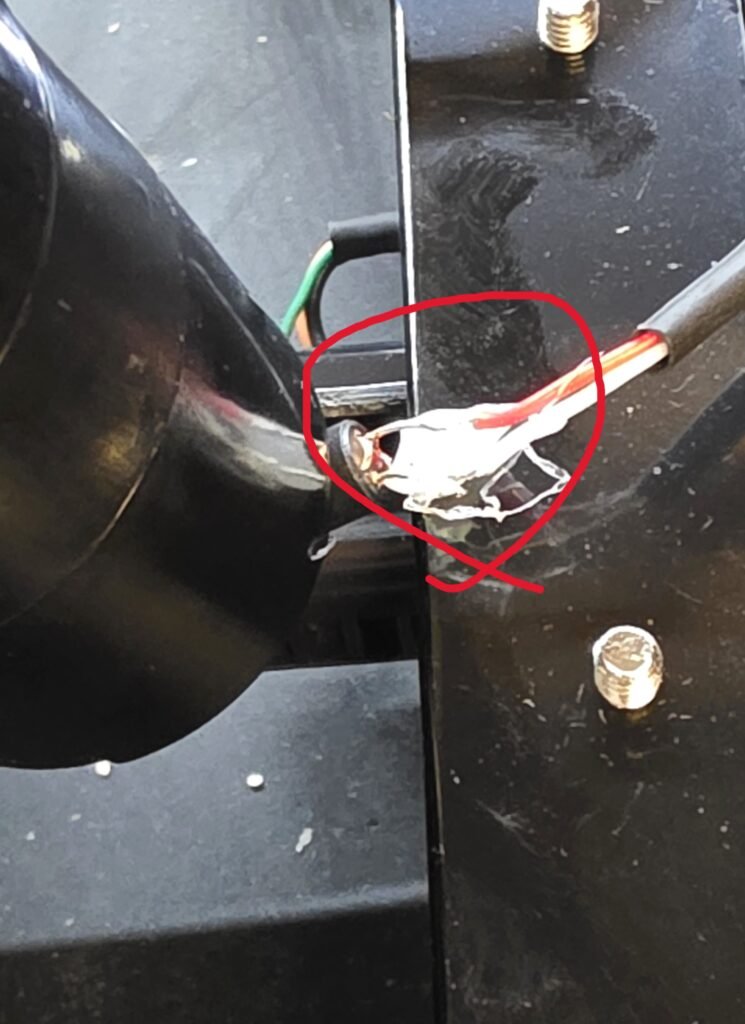
Assemble everything in reverse of how it was taken apart. Inspect the motor wires to ensure that they are not crossed or touching each other.
Thats all!
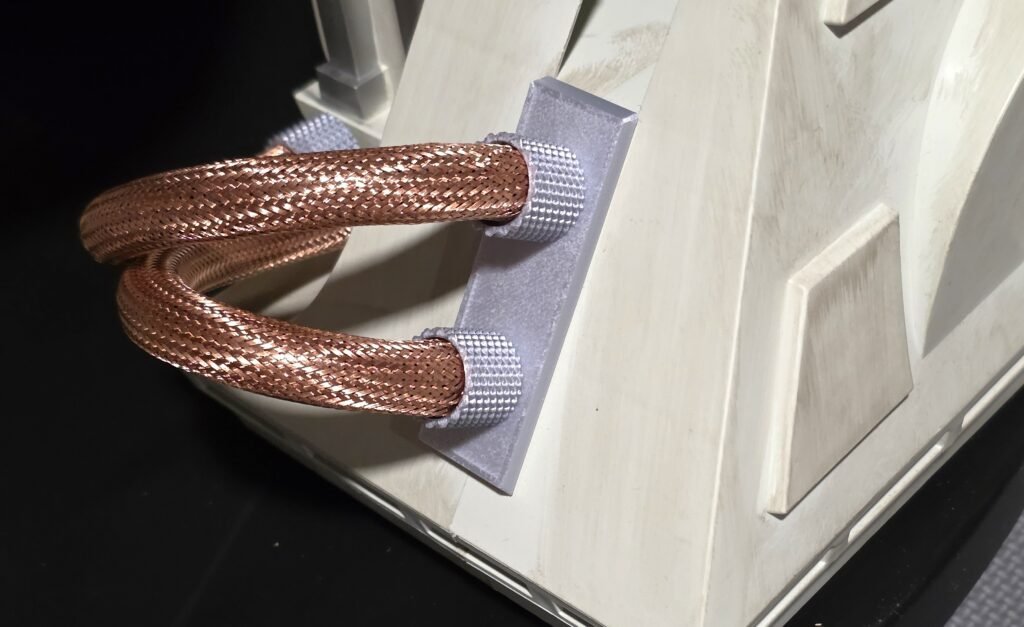
Now, dress up R2’s feet with some copper sleeves and shiny plates/connectors…